Destiny Site Administration: Site-Level Administrators
Site-level Administrators play an important part in site administration, managing a school or other district site in Destiny.
An Administrator's specific responsibilities depend on access levels set up by the Destiny Administrator during implementation.
Administrators often:
- Manage departments (Resource Manager)
- Manage homerooms
- Manage vendors (Library Manager)
- Manage sublocations (Library Manager)
- Manage material locations (Resource Manager)
- Add a principal, departments, department heads (Resource Manager), and locations
- Select site catalog options
- Select site circulation options
- Set up receipt and refund notifications
- Review or edit site information
If Administrators manage access levels and permissions for a site, they might manage permissions for the site's Library Administrator and/or Resource Administrator.
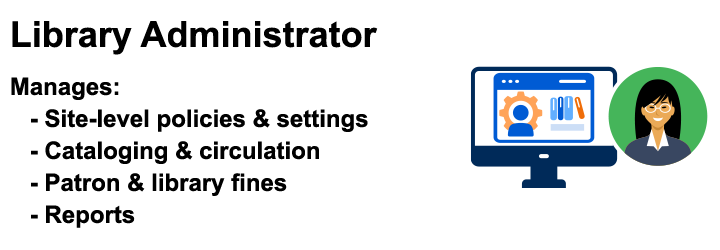
|
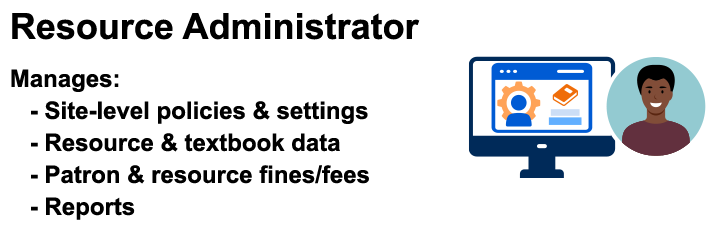
|
|
Note: Some districts may have an Administrator with all Product Access Level permissions to manage their patrons. Follett recommends having a Library Administrator and/or Resource Administrator assume this role and be given only the Product Access Level permissions they need. |
Understanding the typical structure of key roles in Destiny helps you know who can do what.
| Destiny Administrators | District-Level Users | Administrators |
|---|---|---|
|
Manage materials across the district. They may act in one or more roles for the district:
|
|